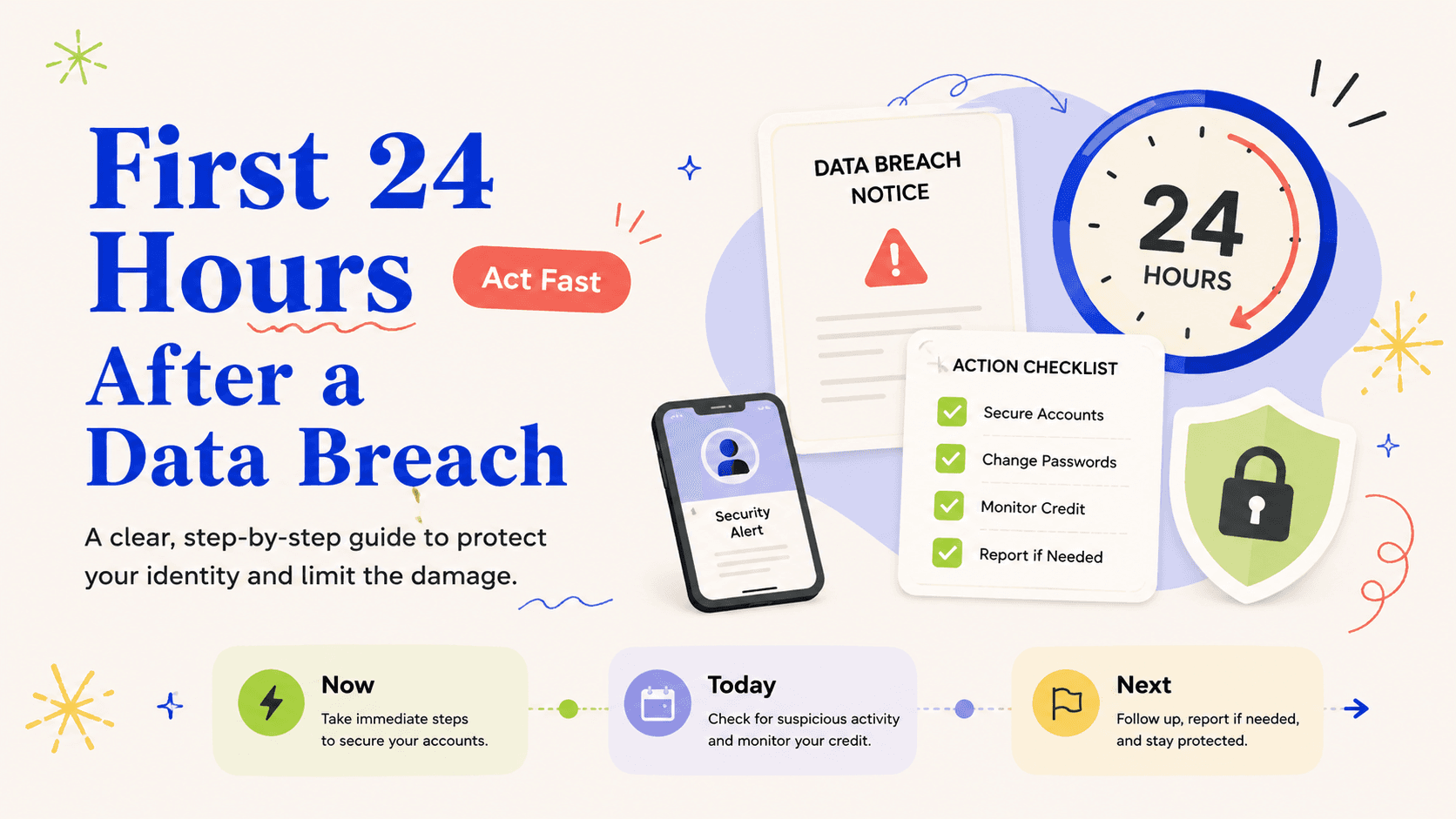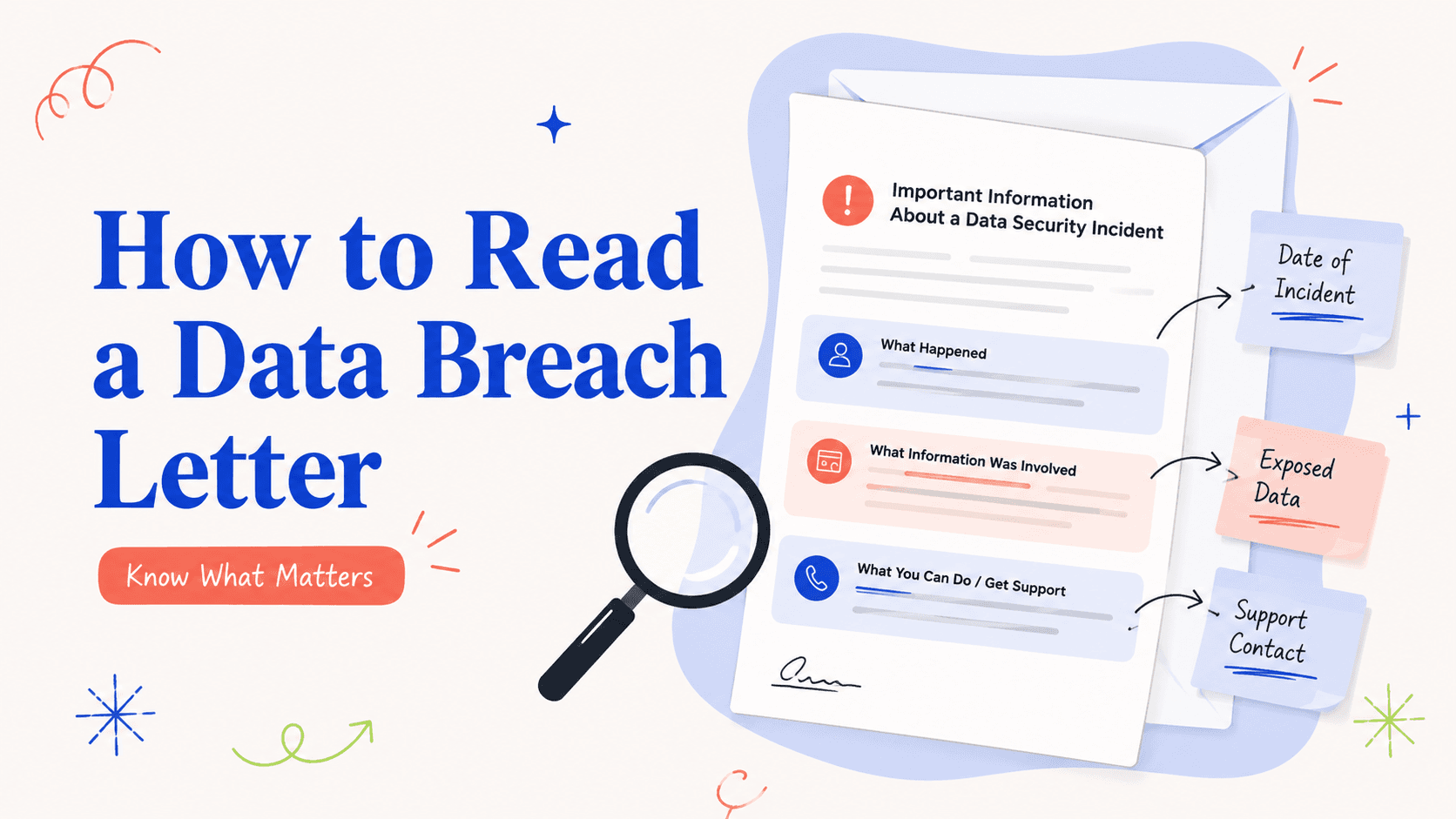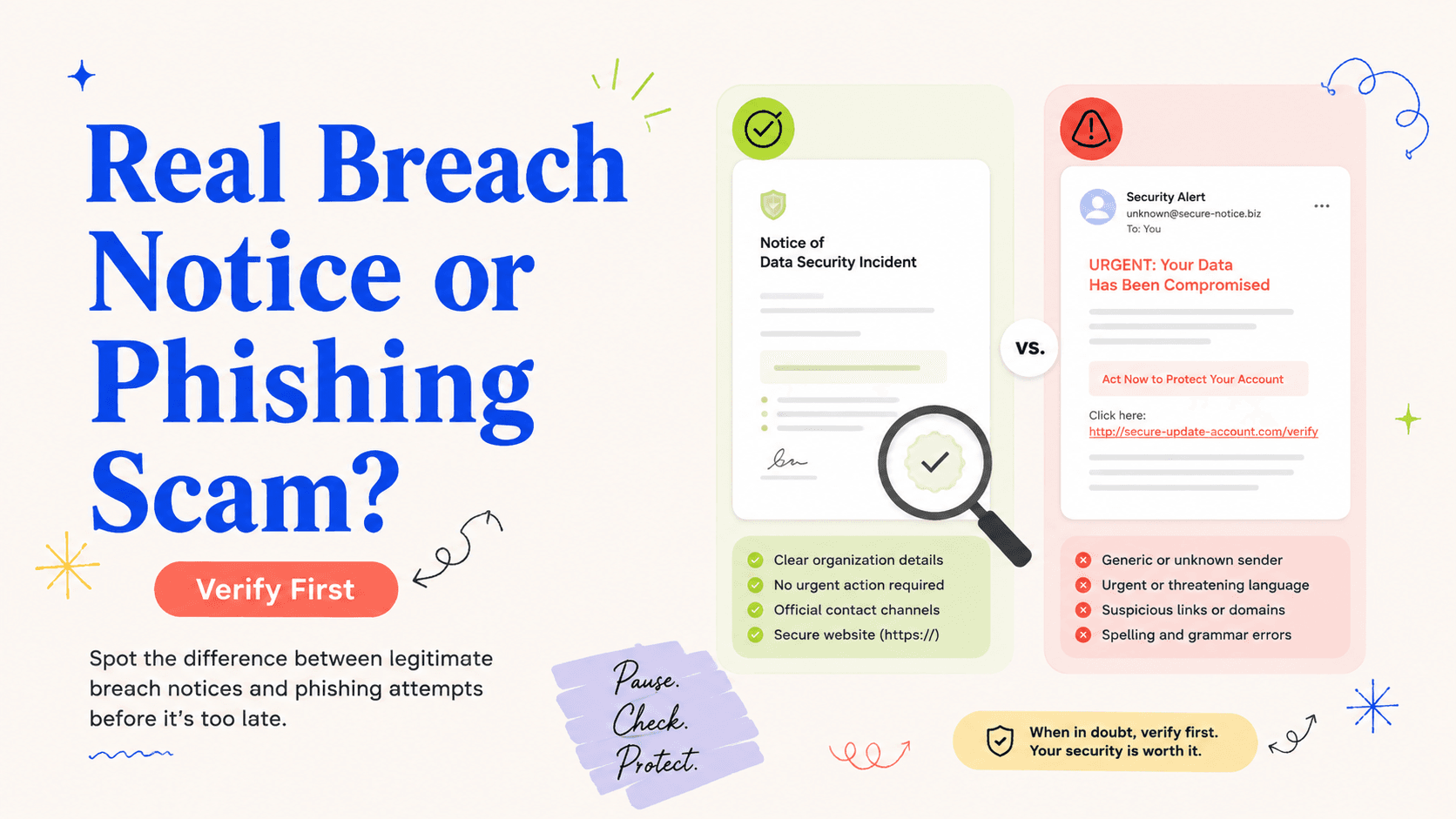
You receive an urgent email saying your data was exposed and that you must “verify your identity” through a link within 24 hours.
Treat urgency plus a login link as a reason to verify
A legitimate organization may email about a real breach, but attackers also exploit public breach news to send convincing follow-up phishing messages. If the message pressures you to log in, pay a fee, provide a Social Security number, or install software, stop using the message as your navigation tool.
Open a new browser window and type the company’s known website yourself, use a saved bookmark, or call a number from a statement or card you already had before the incident. The verification step should be independent of the contact that created the urgency.
Compare the message with information from a known channel
Look for a security or incident notice on the company’s official website and compare dates, affected products, the name of the service provider, and enrollment instructions. If you have an existing account, check the secure message center after navigating there independently. A mismatch does not prove fraud, but it is a reason not to submit personal information through the original message.
Search results and social-media posts are weaker verification channels because scammers can buy ads or build look-alike pages. A known account portal, an official company domain typed manually, or a telephone number from a pre-existing statement is a better anchor.
A breach response should not require you to buy access to your rights
Credit freezes are free to place and lift under federal law, and the FTC’s identity-theft recovery resources are free. Be skeptical of a message that says you must pay to “activate” a freeze, obtain an FTC Identity Theft Report, or preserve your eligibility for basic recovery steps.
Companies may offer paid products alongside legitimate tools, but payment should not be confused with the public rights and free recovery mechanisms described by federal agencies.
If you clicked already, change the problem you are solving
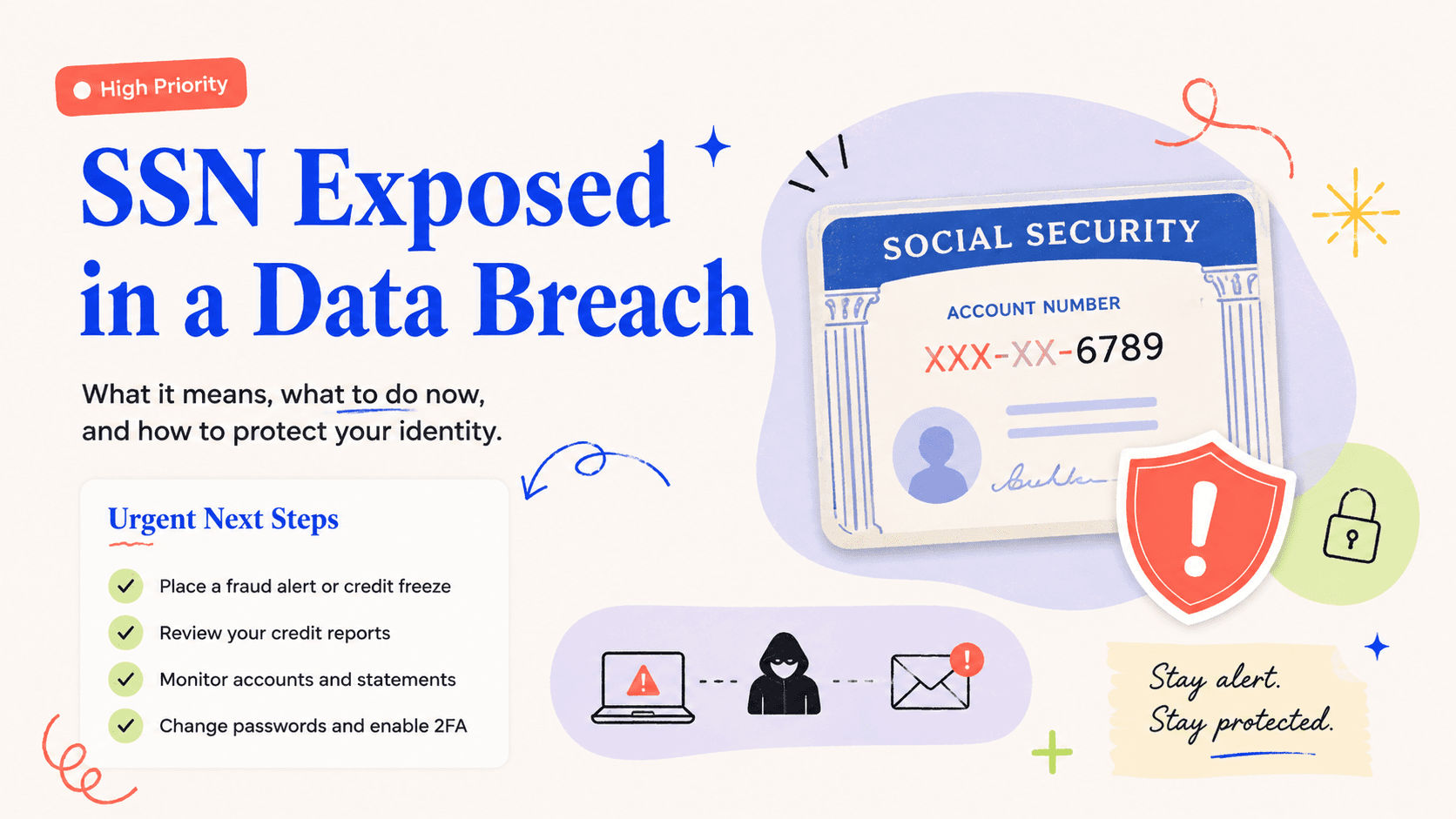
If you entered a password into a suspicious page, secure the affected account from a trusted device and change any other account that reused the same credential. If you gave bank information, call the bank using a known number. If you provided a Social Security number or identity documents, consider credit freezes and begin monitoring for misuse.
Your priority is no longer proving whether the original notice was fake. The useful question is what information you disclosed and which systems that information could unlock.
Keep both the suspicious message and your verification notes
Save screenshots, sender details, the URL shown by the link without revisiting it, and notes about how you verified the incident. If a company confirms that the message was fraudulent, those records can help its abuse team or your email provider investigate.
Do not forward suspicious messages to friends as a warning if forwarding makes active links easy to click. A screenshot or a plain-text description is safer for sharing.
Check the sender, destination, and requested action separately
A message can come from a plausible display name while the underlying sender address belongs to a look-alike domain. A link can show reassuring text while the actual destination points elsewhere. And even a message from a compromised legitimate account can ask you to do something the real organization would not require. Verify all three elements independently rather than using one clue as proof of authenticity.
Hovering over a link can help reveal a destination on a desktop, but you do not need to click it to investigate. If the company has a public incident page, navigate there separately. If it has an app you already use, open the app directly. The safest verification process does not depend on the suspicious message remaining trustworthy.
Be especially cautious when the message asks for identity documents
A legitimate monitoring enrollment or fraud process may require identity verification, but an unexpected email should not be the reason you upload a driver’s license, Social Security card, tax form, or bank statement. First verify the organization, then verify the specific process, then use the documented upload channel. Sensitive documents can create more severe identity-theft risk than the information that was originally exposed.
If a representative asks for a one-time code that was sent to your phone or email, confirm why. A code used to authenticate your own login should not be handed to someone who contacted you unexpectedly. Read the text that accompanies the code; many providers explicitly warn that employees will not ask for it.
If you already interacted, inventory exactly what you disclosed
Write down whether you clicked a link, entered a password, downloaded a file, installed software, gave a card number, provided an SSN, or shared an authentication code. Each disclosure produces a different response. A password calls for account security; a card calls for issuer contact; a bank credential calls for bank action; an SSN can justify broader identity protections.
Do not spend hours trying to prove the scammer’s identity before securing the exposed information. Save evidence, then move directly to the systems that could be affected. Once the high-risk accounts are stable, you can report the phishing attempt to the company and the relevant platform.
A safe verification sequence you can reuse
Imagine the message says a well-known retailer lost customer data and gives you a button labeled “Protect My Identity.” Instead of using the button, open a fresh tab and type the retailer’s normal domain. Find its security or incident page, compare the date and description, and confirm whether it names the same monitoring vendor. If you have a customer account, sign in from the retailer’s normal login page and look for a secure message. Only after those independent checks should you use an enrollment code or contact number tied to the incident.
If the company has no public information yet, call a number from a statement, physical card, or existing account—not the suspicious email. Ask whether the notice is genuine, whether your account is in the affected group, and what the official enrollment domain is. Write the answers down. If the representative cannot verify the message, wait for an official channel rather than entering identity data into a page you cannot authenticate.
After verification, keep the original message as evidence but do not continue to use it as your navigation hub. Bookmark the verified incident page and the real monitoring or recovery destination. That small habit prevents later follow-up emails—real or fake—from repeatedly forcing you to decide whether a link is safe.
- Do not pay a fee to place or lift a credit freeze.
- Do not give a caller a one-time code that was sent to your device.
- Do not upload an ID document until you have independently verified the recipient.
- Do not install remote-access software to receive breach “help.”