A breached service used the same password as your email, two stores, and a streaming account.
Start with the accounts that control recovery
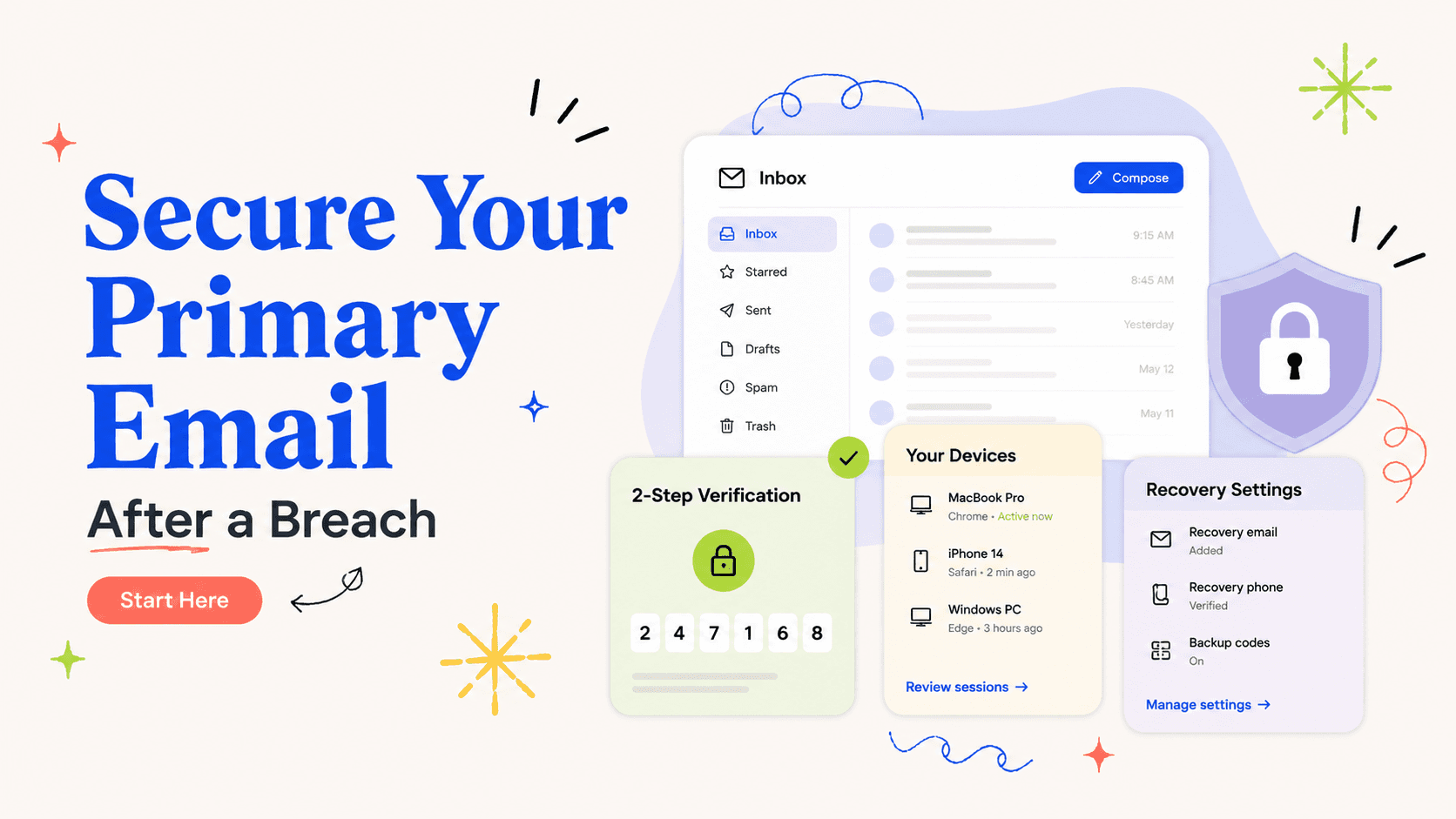
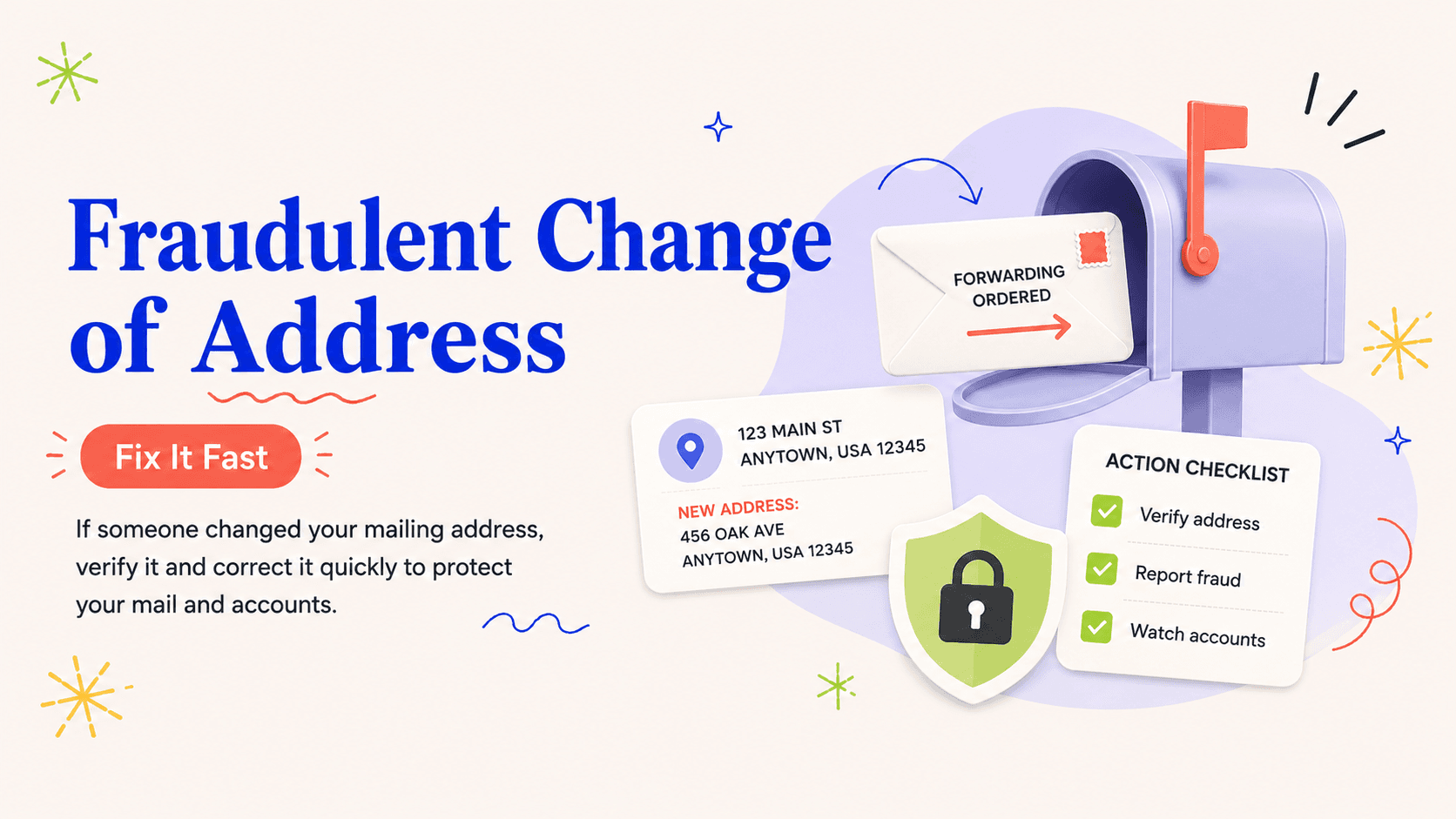
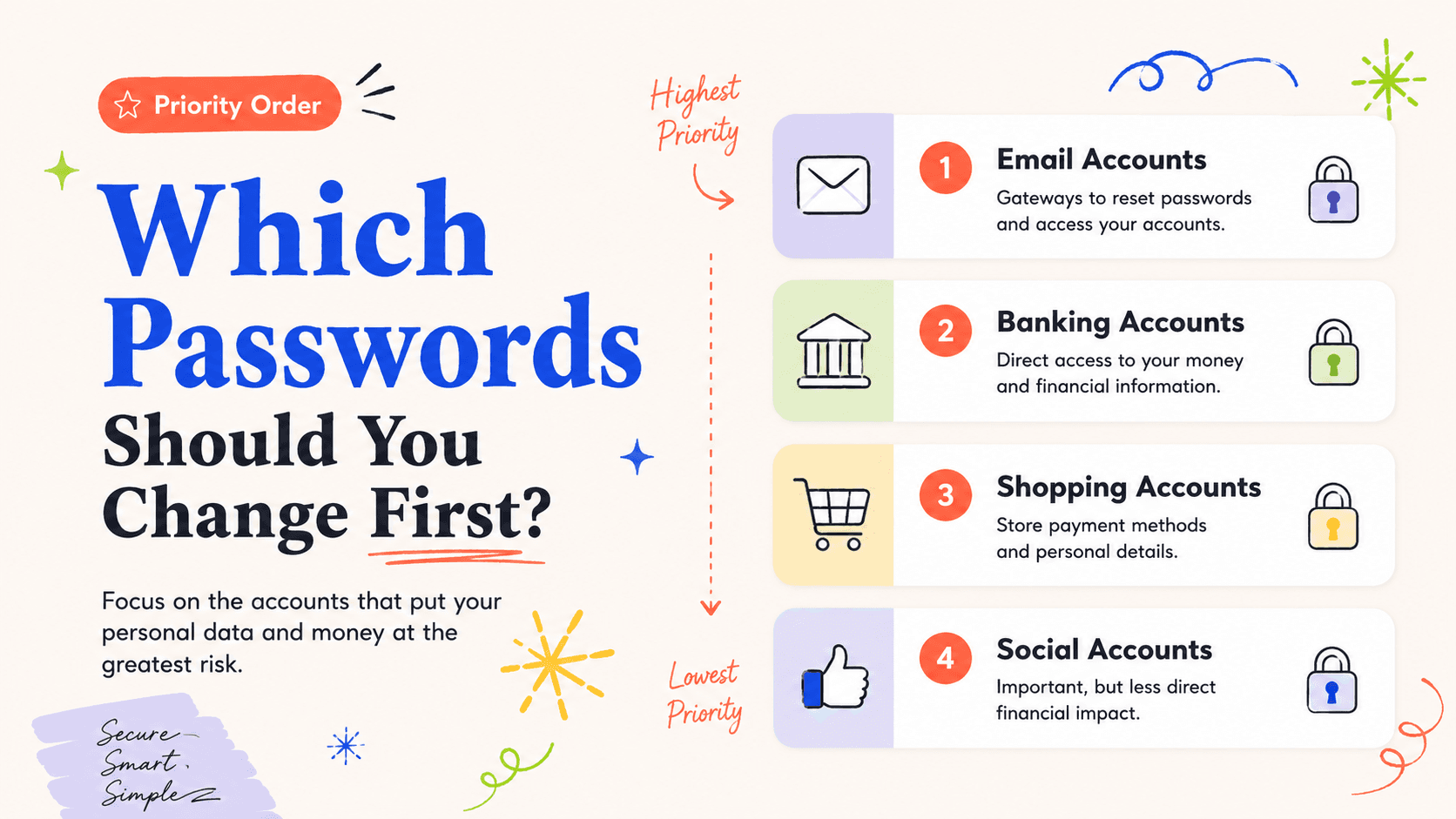
Your primary email is often the highest-leverage account because password-reset links, security alerts, and identity-verification messages arrive there. If its password was exposed or reused, change it first from a trusted device. Review recovery addresses, phone numbers, forwarding rules, and signed-in sessions before moving on.
If you use a password manager and its master credential or recovery method may be affected, secure that system immediately as well. The goal is to protect the keys to the rest of your accounts.
Move next to money and identity
Banking, brokerage, payment, payroll, tax, and major credit-card accounts come next because unauthorized access can create direct financial damage or reveal more personal information. Use each institution’s known app or typed website rather than a breach-notice link.
Turn on multi-factor authentication where available and verify that alert destinations still point to your own phone number and email address.
Change the breached account even if you plan to stop using it
An abandoned account can still contain saved cards, addresses, messages, or personal documents. Change the password, remove stored payment methods if appropriate, and close the account through the service’s official process if you no longer need it.
Do not reuse the new password elsewhere. A unique password limits the blast radius if another service is breached later.
Work through reused credentials systematically
Search your password manager or memory for every account that used the same password or a close variation. Change them in tiers rather than randomly: identity and money first, communications second, work and cloud storage next, then retail and lower-impact services.
The FTC recommends strong passwords and multi-factor authentication as basic account protections. After a breach, the important improvement is not just password complexity—it is eliminating reuse.
Document completion without storing secrets
Keep a checklist of account names, date changed, MFA enabled, and recovery details reviewed. Do not write the new passwords into that checklist. A password manager can store the credentials while the checklist tracks the response.
This separation lets you prove to yourself that the high-risk accounts are complete without creating a new plain-text file full of secrets.
Search for reuse by pattern, not only by exact password
People often reuse a base password with small changes such as a site name, year, or punctuation mark. If the breached password followed that pattern, treat the related variations as exposed too because an attacker can guess them. A password manager can help identify duplicate or weak credentials without forcing you to rely on memory.
Prioritize accounts that contain identity documents, payment methods, private messages, or administrative control over other users. A low-traffic account can still be high impact if it stores a copy of your driver’s license or tax form.
Review the password-reset path after changing the password
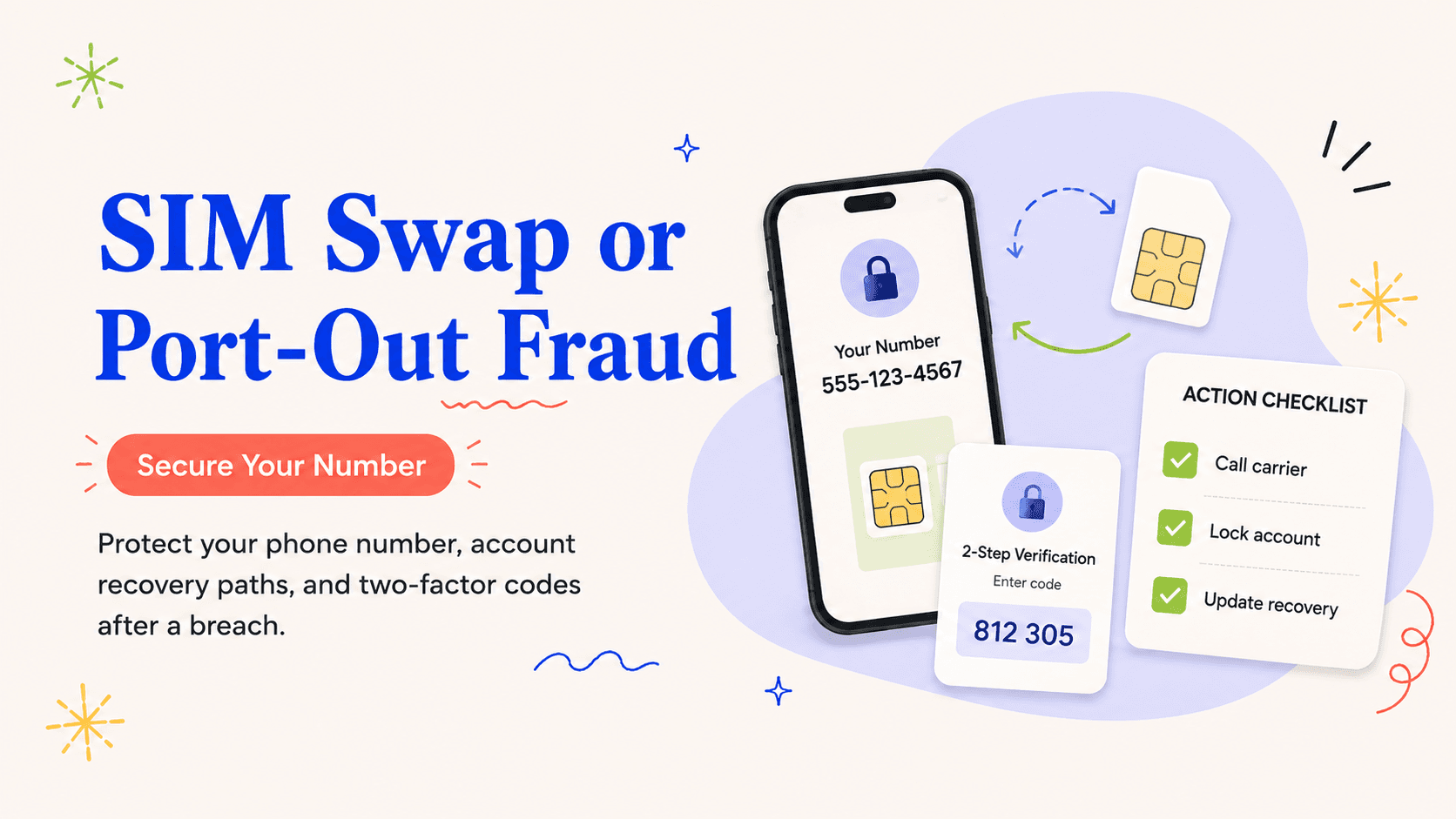
A strong new password is only useful if an attacker cannot reset it through an old email address, compromised phone number, or weak security question. After each high-priority change, check recovery settings and remove methods you no longer control. Regenerate backup codes if you believe they may have been stored in the breached service.
For accounts that support passkeys or hardware security keys, consider whether those options fit your risk and devices. The important point is that the recovery path should not be weaker than the login itself.
Close the loop on accounts you no longer use
Old accounts are easy to forget because they are not part of your daily routine, yet they may still contain addresses, saved cards, purchase history, or personal messages. If a reused credential reaches one of those accounts, either secure it or close it through the service’s official process. Leaving a dormant account with a known password creates an unnecessary recovery path for an attacker.
Keep a list of closed accounts and the date of closure. Do not store the old or new passwords in that list.
Example: one password was reused across six accounts
Assume the breached retailer used the same base password as your Gmail account, your bank, a cloud drive, a streaming service, and two stores. Start with Gmail because it can reset the others. Change the password, review recovery addresses and active sessions, and enable a strong second factor. Then secure the bank, where an attacker could move money or collect more identity information. The cloud drive comes next because it may contain personal documents.
After those high-impact accounts are stable, change the two retail accounts and the streaming service. On every account, use a unique password rather than a new shared replacement. If the old password had a pattern such as a common word plus the website name or year, search for variants and replace them too. Attackers who know the exposed base can try predictable modifications.
Finish by reviewing dormant accounts saved in your password manager or browser. Close anything you no longer need and remove outdated recovery methods. The response is complete when the reused credential no longer opens or helps reset any important account, not merely when the breached retailer has a new password.
- Email and password manager first.
- Money and identity accounts second.
- Cloud storage and work accounts next.
- Retail and entertainment after the high-impact systems.
- Dormant accounts should be secured or closed.
Finish with a reuse audit
After the urgent changes are complete, use your password manager’s duplicate or weak-password report if it offers one and review browser-saved credentials as well. The breach may have exposed an old password that you forgot was still active on a dormant service. Closing or securing those accounts prevents the same credential from becoming useful months later. The long-term improvement is not a burst of frantic password changes; it is a smaller set of accounts, each with a unique credential and a recovery path you still control.