You changed your email password but discover that an unfamiliar forwarding address was added months ago.
Change the password from a trusted device
Use the provider’s official app or a typed website and create a new password that is not used anywhere else. If you suspect your current computer is compromised, perform the change from another trusted device first and then investigate the original device.
A password change can stop simple credential reuse, but it may not invalidate every existing session or recovery path.
Review recovery email addresses and phone numbers
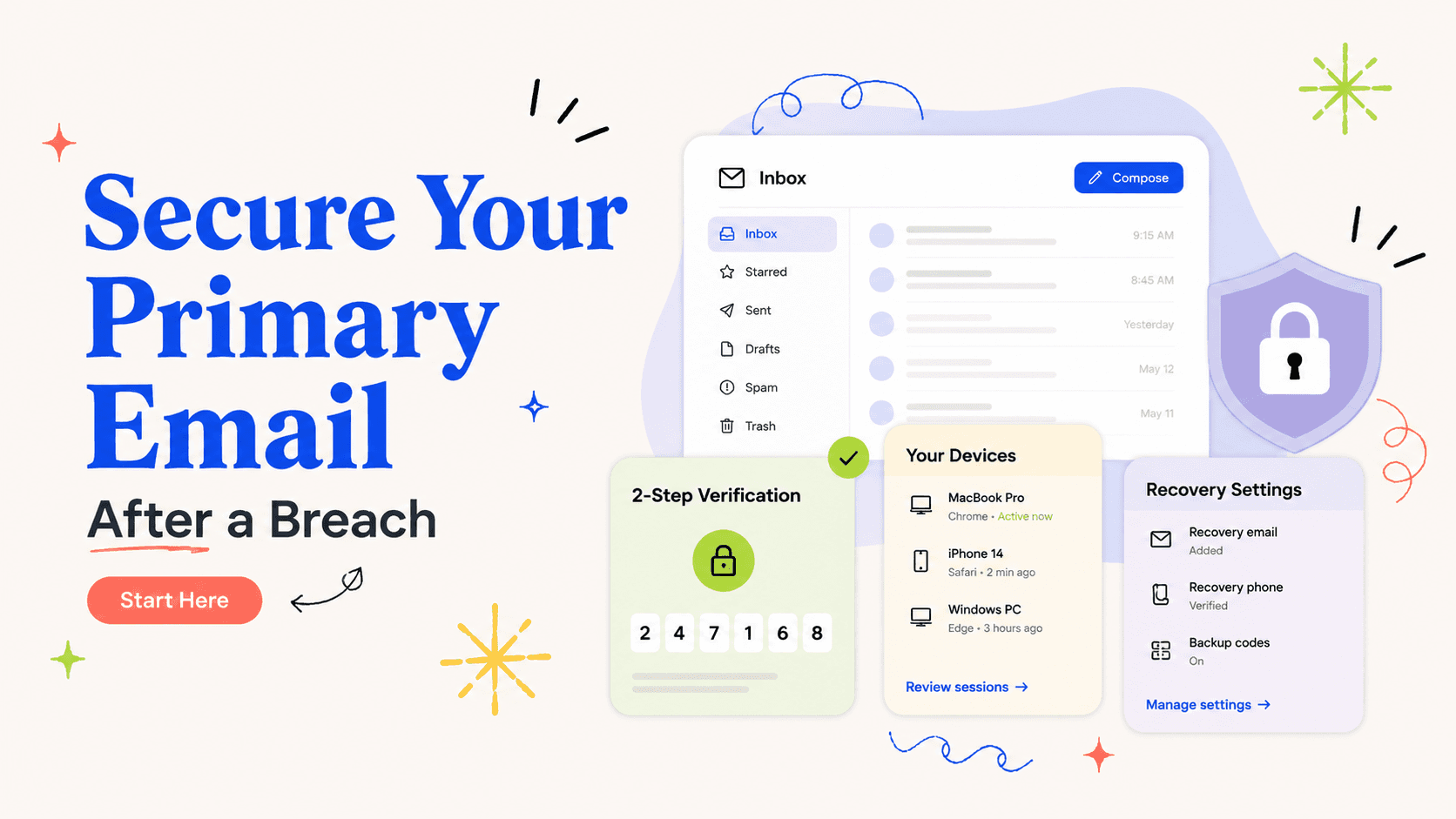
Attackers sometimes add their own recovery method so they can regain access after you change a password. Confirm every recovery address and number belongs to you. Remove old work addresses or phone numbers you no longer control.
Also check whether the provider allows backup codes or passkeys and regenerate recovery codes if they may have been exposed.
Inspect active sessions, app access, and forwarding rules
Sign out sessions you do not recognize and review connected applications with access to mail or contacts. Check automatic forwarding, filters, and rules because they can silently copy password-reset messages or hide alerts.
These settings are easy to miss because they survive a password change on some services. They deserve the same attention as the login credential itself.
Turn on a stronger second factor
Multi-factor authentication makes a stolen password less useful. Prefer the strongest practical option your provider supports and protect the recovery method with the same care as the account.
Do not assume MFA eliminates risk. A compromised session, malicious forwarding rule, or stolen recovery channel can still matter, which is why the account review is broader than the sign-in screen.
Then work outward from email
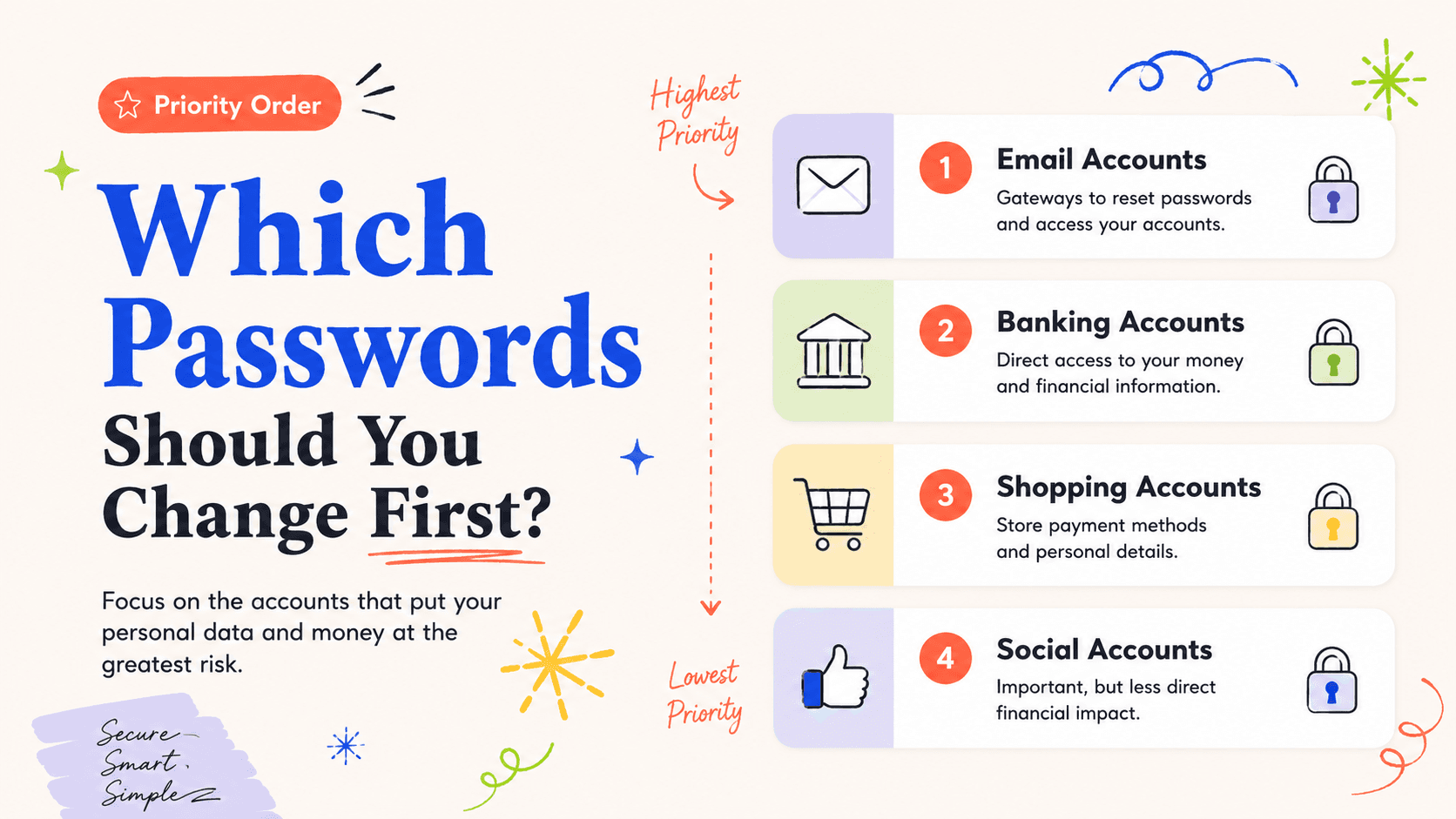
Once the primary email is stable, reset passwords on the financial, identity, and breached accounts that rely on it for recovery. Watch the inbox for reset messages you did not initiate; they can reveal where someone is trying to gain access.
Keep the email account at the center of your incident log for the next few weeks because many legitimate institutions will use it to confirm changes and disputes.
Inspect hidden mailbox controls, not just visible messages
Forwarding rules and filters can be abused to copy mail to another address, mark security alerts as read, or move reset messages out of sight. Review every rule, forwarding destination, delegated mailbox, and connected account. Also check whether an unfamiliar address has been added as a send-as identity or trusted recovery account.
If the provider offers an activity log, review sign-ins around the time you first noticed the problem. Location data can be approximate, so focus on devices, times, and sessions that clearly do not fit your use.
Revoke third-party access you do not recognize
Email accounts often authorize calendar apps, mobile clients, automation tools, or social networks through OAuth rather than a stored password. A malicious or forgotten connected application may retain access even after the password changes. Review authorized apps and revoke anything you no longer use or cannot identify.
If a legitimate app stops working afterward, reconnect it through the provider’s official authorization flow. It is safer to reauthorize a known tool than to leave an unexplained token active.
Protect the recovery channel that protects the email
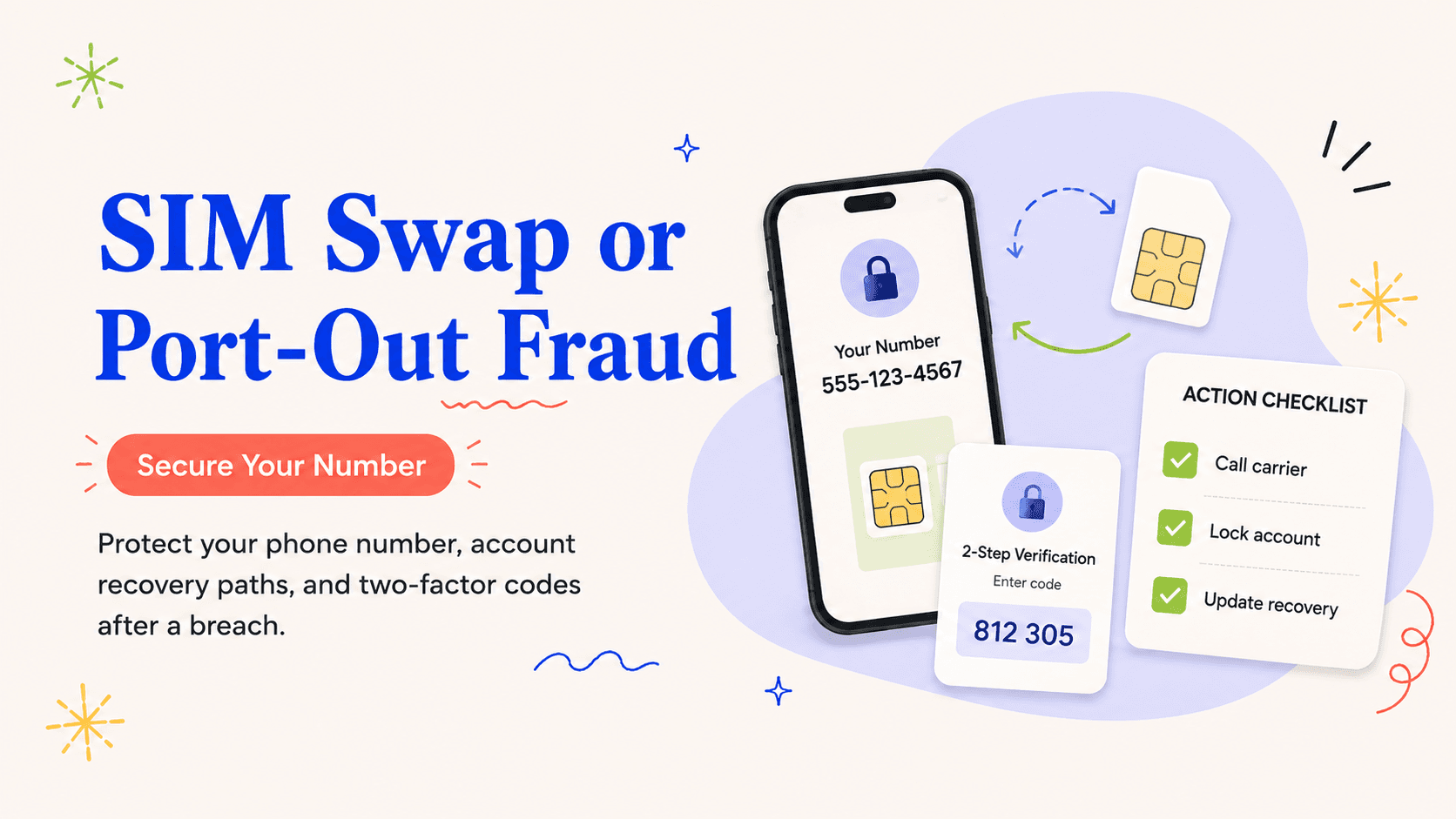
If your email account uses a phone number for recovery, secure the mobile account as well. Add an account PIN or other carrier protection if available and make sure the carrier email address is current. If a secondary email address is used for recovery, give that account a unique password and MFA too.
Your primary mailbox is part of a chain. Recovery is only as strong as the weakest account allowed to take control of it.
A full email takeover check
Begin at the provider’s security dashboard and change the password. Then inspect recent sign-ins and terminate sessions you do not recognize. Review recovery phone numbers, secondary email addresses, backup codes, passkeys, app passwords, and trusted devices. If the provider lets you sign out every other session, consider using that option after making sure you can sign back in safely.
Next move inside the mailbox. Check automatic forwarding, inbox rules, filters, blocked senders, delegated access, send-as addresses, and connected accounts. An attacker who created a rule to hide security alerts can remain useful to themselves even after losing the original password. Delete suspicious rules and confirm that legitimate alerts are arriving in the inbox again.
Finally, review third-party applications that can read or send mail through OAuth. Revoke anything you do not recognize or no longer use, then secure the recovery accounts that can take control of the mailbox. When the primary email is clean, use it to reset the rest of your high-priority accounts. Keep watching for unexpected password-reset messages because they can reveal ongoing attempts against other services.
- Password changed and unique.
- Unknown sessions removed.
- Recovery methods verified.
- Forwarding and filters checked.
- Third-party access reviewed.
- MFA or passkey enabled where practical.
Watch the mailbox after cleanup
For several days after the account is secured, pay attention to unexpected password-reset messages, new-device notices, and failed-login alerts. Those messages can reveal which other services an attacker is still testing. Use them as leads for account security rather than clicking links inside the alert itself. If the provider offers downloadable sign-in history or security reports, save a copy with your incident documentation so you have a record of what you reviewed and when the suspicious access stopped.
Repeat the review on every mailbox that can reset important accounts
If you use more than one primary mailbox, repeat the same review on the account that receives financial, tax, or password-reset messages. Attackers do not need your most frequently used address if another mailbox can still reset important services. Keep the recovery hierarchy simple enough that you know which accounts can take control of which others.