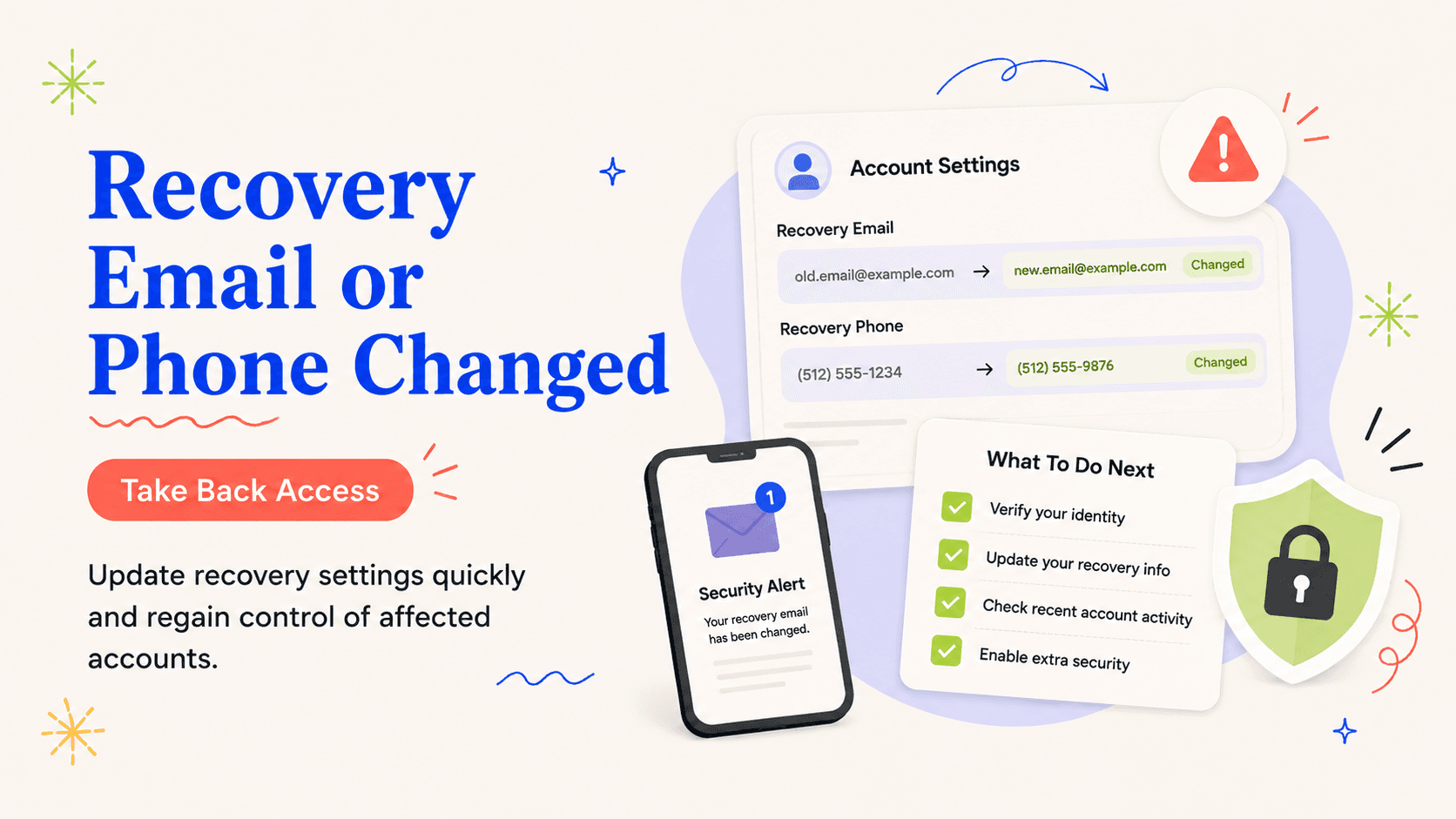
You receive a security notice that the recovery phone on your main email account changed, and the new number is not yours.
A recovery-setting change is stronger evidence than a generic login alert
Start by treating an unauthorized change to an account recovery email or phone number as a specific response problem rather than as proof that every part of your identity has been taken over. Changing a recovery email or phone number can let an attacker reset the password again after you think the account is fixed. Check the provider’s security page through a known route and confirm the time, device, or location associated with the change if that information is available.
First step: file away the notice, note when it showed up, and record precisely which account or data type it names. A recovery-setting change deserves urgent action even if no money has moved because it can become persistence for later account takeover.
This kind of change matters because it can outlive a password reset. If an attacker replaces the recovery email or phone, they may be able to regain access after you believe the account is fixed. Use the provider's recovery process to restore your own contact points and remove every recovery method you do not recognize.
Use the provider’s account-recovery route immediately
The first move should reduce the most immediate pathway to misuse. Use the provider’s official recovery instructions, restore your own recovery contacts, change the password, and sign out other sessions.
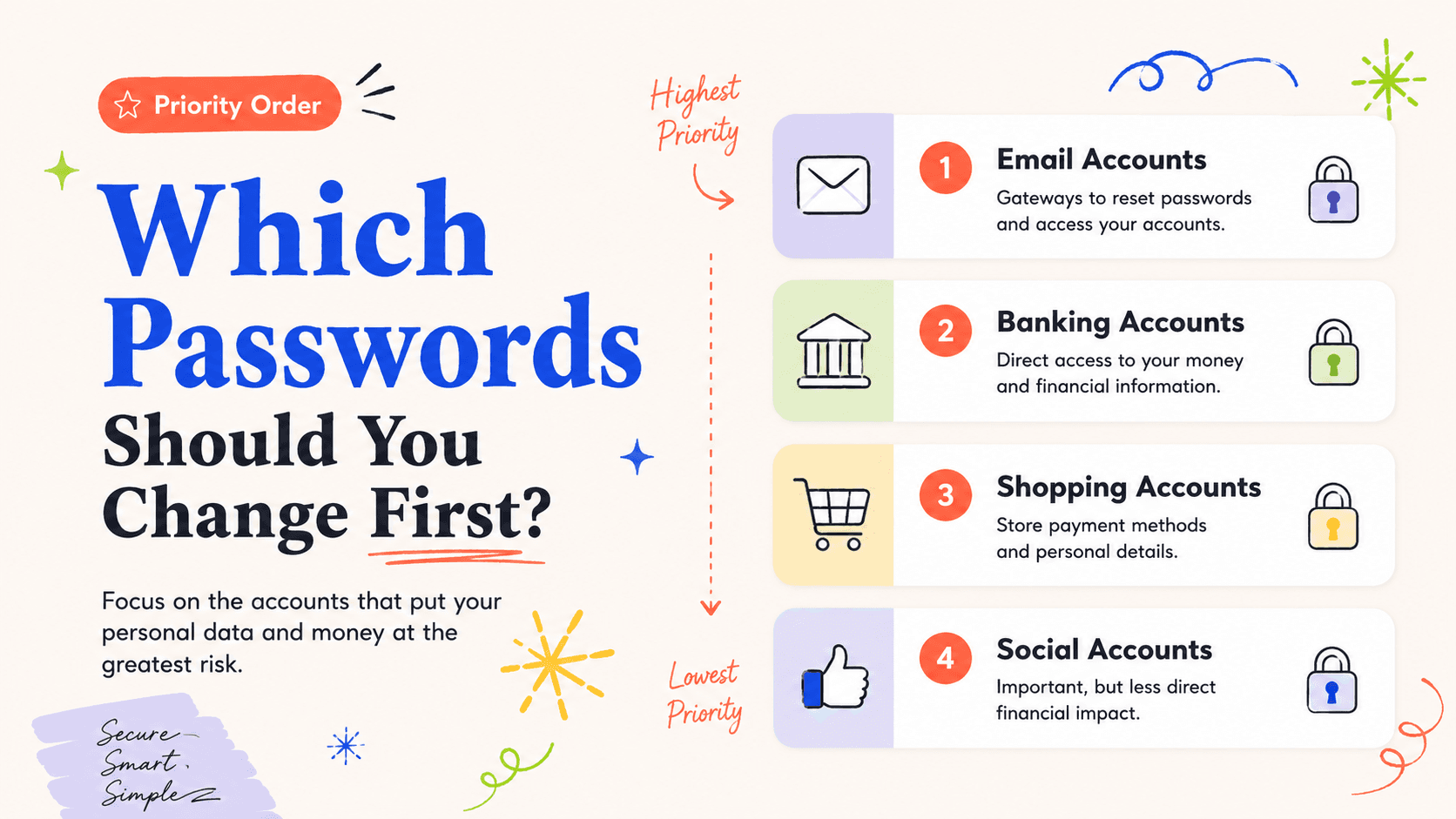
Attempting to solve every angle in one sitting tends to dilute the response; a sequence works better. If the affected account is your primary email, secure it before resetting shopping or social accounts because it may receive their recovery links.
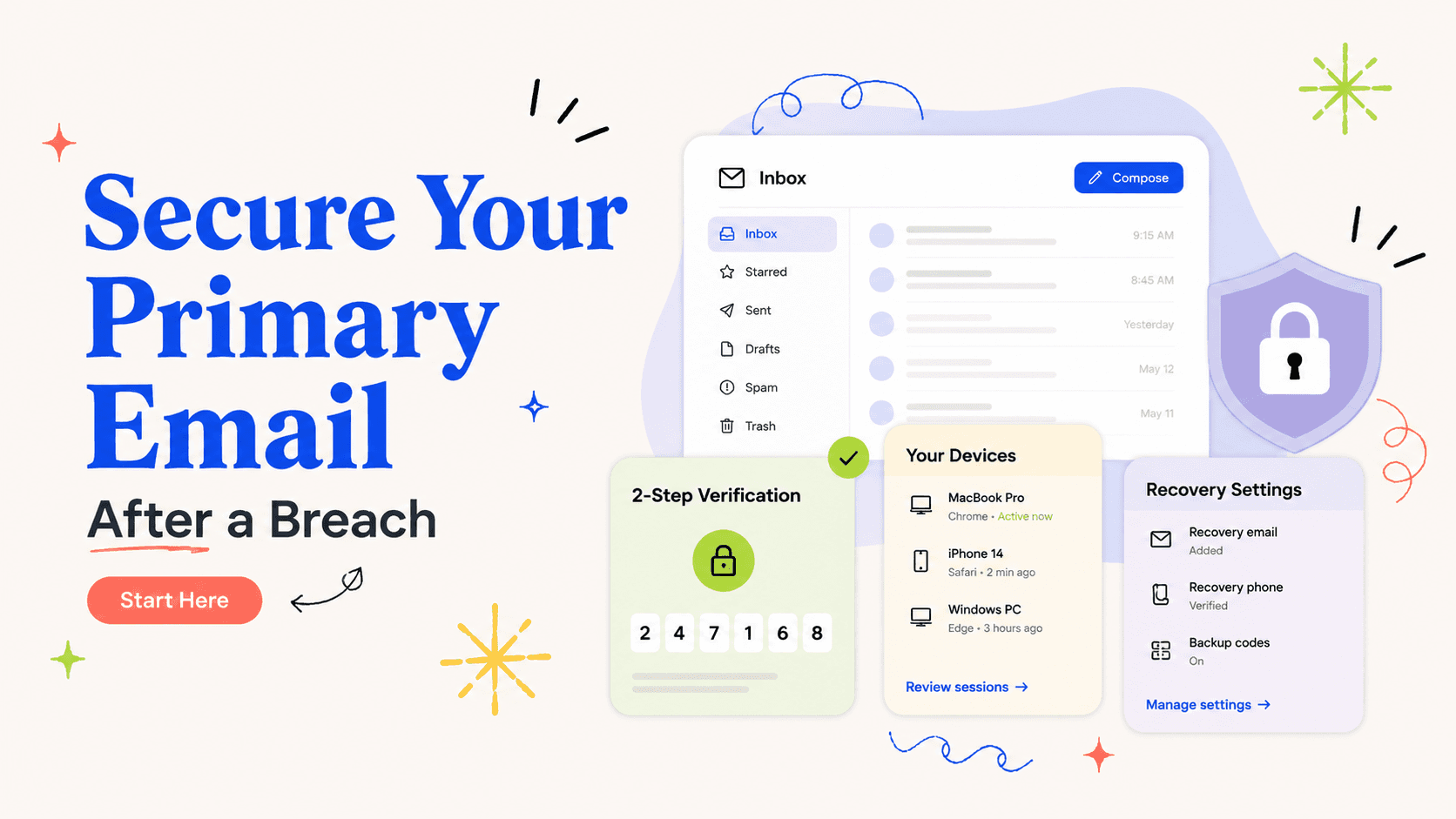
Review active sessions and trusted devices before doing downstream password resets. Ending unknown sessions reduces the chance that an attacker can watch you change settings in real time. If the provider offers a 'sign out everywhere' or session-revocation control, use it after confirming you can still recover the account through a factor you control.
Remove the attacker’s persistence after you regain access
The provider may allow you to review recent security changes, revoke devices, remove app passwords, inspect forwarding rules, and confirm recovery methods.
Treat any ask for identity documents as a prompt to verify first, upload second. If you are locked out, start from the provider’s public recovery page rather than paying a third-party “account recovery” service.
Check the primary email inbox for forwarding rules, filters, deleted security alerts, and unfamiliar app access. If the recovery phone was changed too, contact the carrier to confirm that your number was not ported or SIM-swapped. This kind of incident can cross email and telecom systems, so each recovery channel needs its own verification.
Check downstream accounts that depend on the compromised inbox
This is where a credit freeze matters: when the exposed information could be used to open new credit lines. A recovery-email change is primarily an account-security event unless the attacker used the account to open credit or access financial identity data.
Credit monitoring only works with a reference point — pull that dated baseline from annualcreditreport.com first. Search the inbox and trash for password resets, security notices, forwarding-rule changes, purchase receipts, and new-account confirmations from the period of suspected access.
Save the change notice and recovery case details
A solid paper trail is part of the fix, not an administrative afterthought. Save the original change notice, screenshots of unknown devices or forwarding rules, and provider case numbers before those logs roll off.
As soon as misuse is confirmed, the playbook changes to identity-theft recovery. If the takeover led to purchases, bank access, or identity accounts, document those concrete losses through the relevant company and IdentityTheft.gov.
Save the provider's security alerts showing what changed and when. A precise timeline helps you identify which downstream accounts may have been exposed during the takeover window. Prioritize banking, payroll, tax, cloud storage, and any service where the compromised account was used for single sign-on or password recovery.
Do not stop at changing the visible password
One control rarely fixes every consequence here. A fresh password is incomplete protection if an attacker still controls a recovery method, an active session, an app token, or a forwarding rule.
Also separate exposure from confirmed misuse. A legitimate provider migration or family-account administrator can sometimes change recovery details, so verify ownership and account structure before accusing another person of theft.
Beware of fake support agents during recovery
Expect follow-up scams that refer to the change. Search results and social media can contain fake support numbers that ask for remote access, payment, or authentication codes.
A legitimate recovery process should be verifiable through an established channel. Use only the provider’s own help center and never read a one-time recovery code to someone who contacted you first.
Recheck recovery paths after the crisis
The initial response isn't done until follow-up dates are on a calendar somewhere you'll actually see them. Check recovery contacts and active sessions again after 24 to 48 hours and after any subsequent security email you did not initiate.
The account is meaningfully recovered when every recovery route belongs to you, unknown sessions are gone, and downstream accounts show no unexplained resets.
After control is restored, test recovery deliberately from a logged-out browser or the provider's security settings without completing an unnecessary reset. Confirm that only your email, phone, authenticator, or security key appears. The recovery configuration—not just the current password—is the final check that the attacker no longer has an easy route back in.
Check linked services that use the compromised account for sign-in rather than a separate password. A restored email account, for example, may still authorize access to cloud storage, shopping, or work tools through single sign-on. Review connected-app permissions and revoke anything you do not recognize. If the provider shows the time the recovery method changed, use that timestamp to bound the review window: activity before that point may be normal, while actions after it deserve closer inspection. A precise window keeps the recovery focused and helps you explain the incident consistently to other providers.