The day after a breach announcement, several reset emails arrive for an account you still use, but you did not request any of them.
A real reset email can still be triggered by an attacker
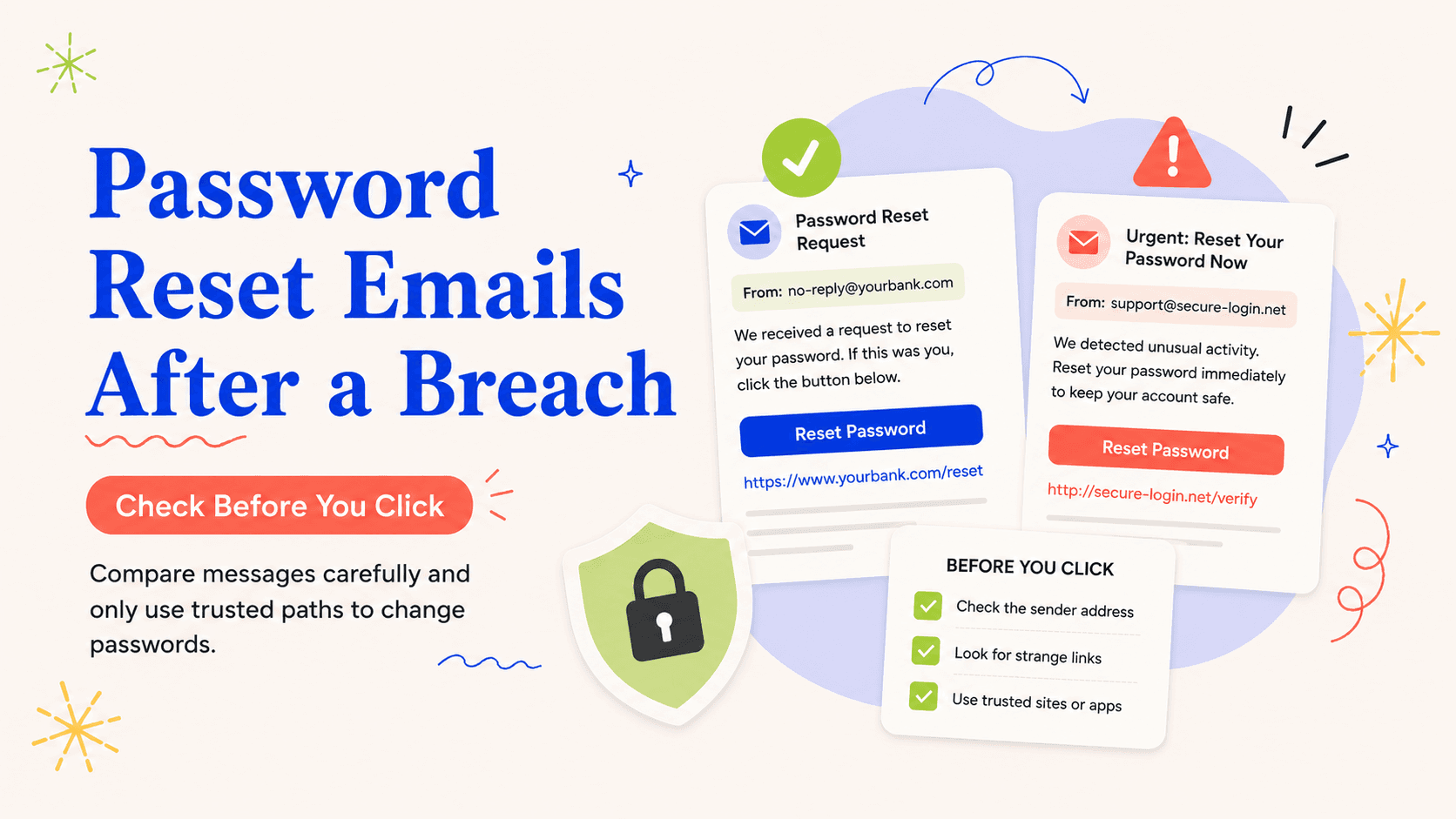
Start by treating unexpected password-reset emails after a breach as a specific response problem rather than as proof that every part of your identity has been taken over. An attacker can sometimes trigger a legitimate password-reset email without having access to the account, while a phishing email can imitate the same workflow to steal credentials. The safest test is to navigate to the provider independently and inspect security activity rather than judging the message only by logos, grammar, or sender display name.
Before contacting anyone about one of these messages, save it, note when you received it, and write down the exact data element or account it says was involved. A reset message is evidence of an attempt or notification, not by itself proof that the password was successfully changed.
A reset email can be genuine even when you did not ask for it: an attacker may have entered your address on the provider's real reset form. That makes the message useful as a warning but not a link you must follow. Open the provider's app or type the known site yourself and check whether the account log shows a reset, login, or security change.
Open the account directly before touching the message
Prioritize the action that closes the fastest route to misuse first. Open the official app or saved website, check recent sign-ins and account alerts, and change the password there if you see activity you did not initiate.
Do not try to solve every possible consequence at once. If the email account that receives resets is itself compromised, recover that inbox before resetting downstream services.
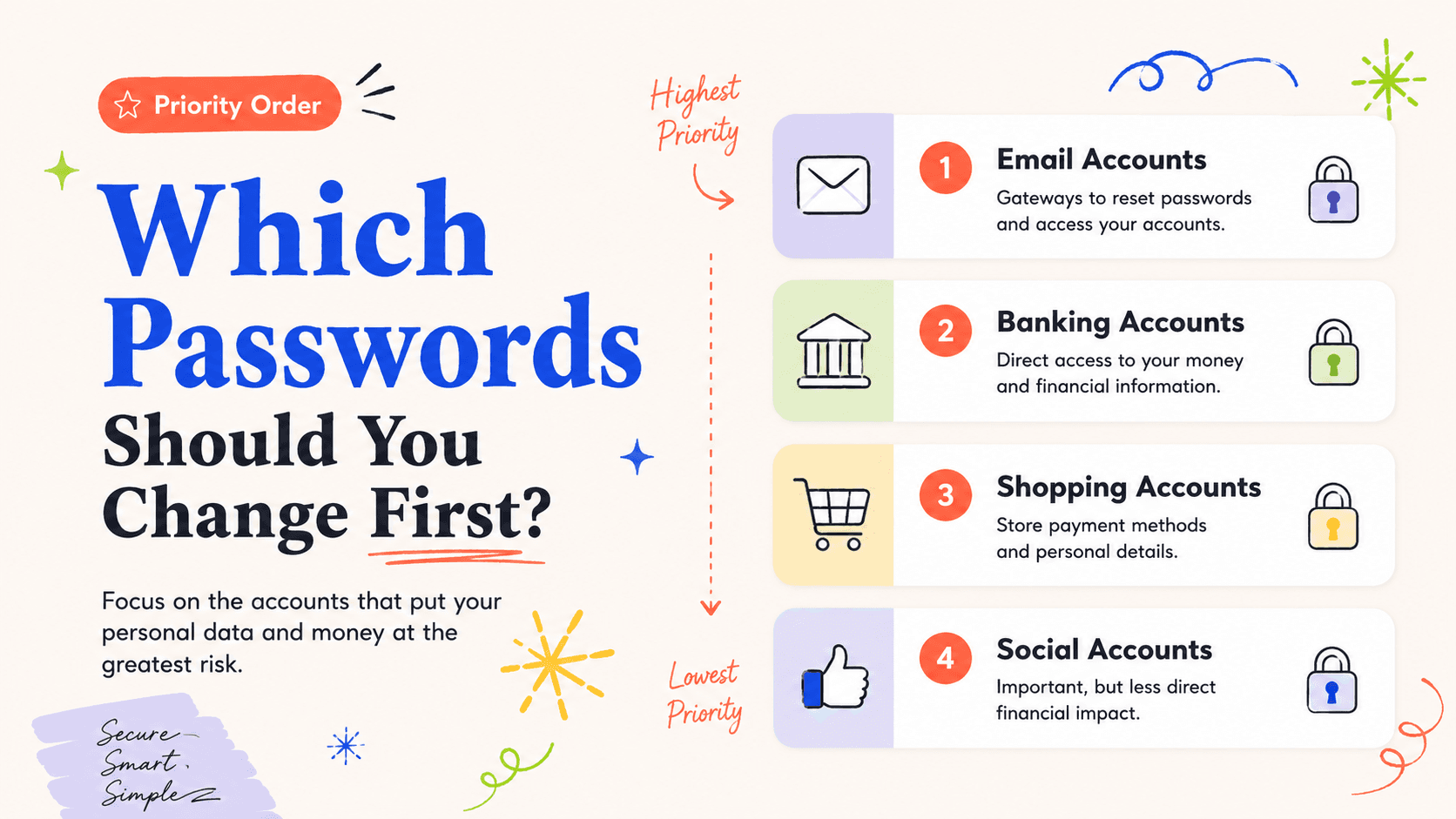
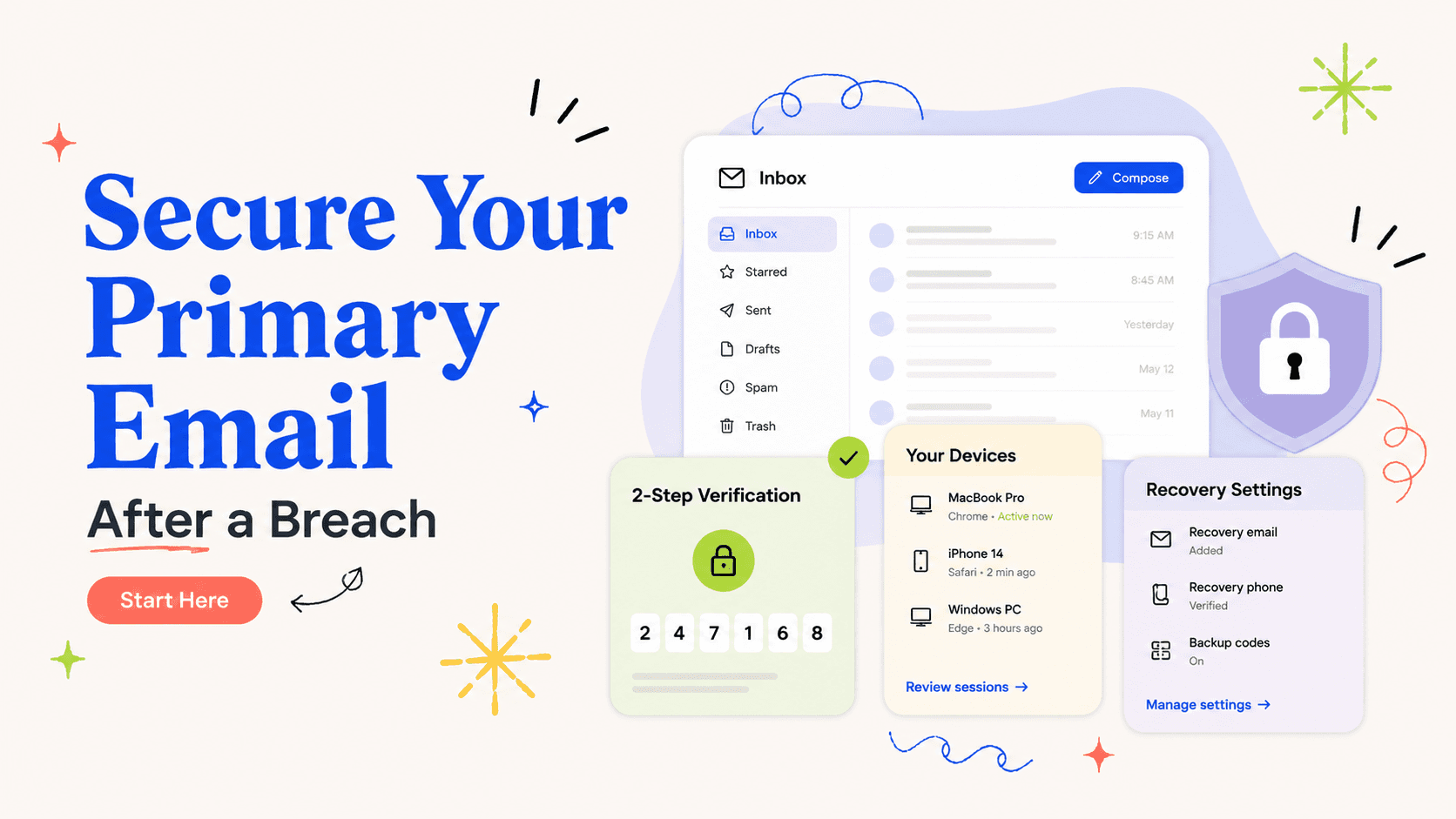
If the messages concern your primary email account, prioritize that inbox first. An attacker who controls email can request resets for many other services and then delete the evidence. Review forwarding, filters, recovery addresses, trusted devices, and recent sessions before using the inbox to recover banking, shopping, or social accounts.
Check whether the account or inbox was actually changed
In this situation, the account provider can show security events, signed-in sessions, recovery methods, and whether a password or contact detail actually changed.
Requests for ID paperwork deserve extra scrutiny — confirm legitimacy before you comply. Do not enter credentials through the reset message until you have independently confirmed that the reset is one you requested and the destination is genuine.
Compare timestamps. A reset request at 9:10, a successful login at 9:13, and a recovery-phone change at 9:15 is a much stronger takeover pattern than several isolated reset requests with no successful event. Save the relevant notices until the account activity is reconciled, then remove unnecessary copies that contain sensitive links or metadata.
Use credit controls only if identity data also points there
A credit freeze or credit-report review can be useful here too, but only when the risk actually touches new credit or a consumer report. Password-reset traffic is mainly an account-security issue; a credit freeze becomes relevant only when the breach also supports new-credit identity theft.
Where it applies, credit monitoring begins with a dated baseline pulled from annualcreditreport.com. Look for a sequence of reset request, login-success, contact-change, and recovery-code notices because that pattern is more concerning than an isolated reset attempt.
Preserve reset alerts that show a pattern of attempts
Treat documentation as active problem-solving, not a chore for after things quiet down. Keep suspicious reset emails with full timestamp and sender information long enough to compare them with the provider’s account-security log.
When actual misuse surfaces, treat this as identity-theft recovery rather than ongoing breach preparedness. If an attacker takes over the account or uses it to access financial or identity services, report the resulting misuse through the affected companies and IdentityTheft.gov.
Do not judge legitimacy by design quality. Phishing pages can reproduce logos and layout accurately, while genuine provider notices can look plain. FTC phishing guidance favors an independent route to the company. If the provider's own security page shows no matching event, treat the unexpected message as suspicious and report it through the provider's established channel.
Do not treat every reset request as a completed takeover
One control rarely fixes everything here. Deleting the email does not cancel a reset token and clicking “not me” in a message is not a substitute for checking the account through a known channel.
Also separate exposure from confirmed misuse. Providers sometimes send delayed or duplicated notices, so match the event time to the account log before assuming every duplicate is a fresh attack.
Look for phishing details without relying on visual polish
Expect follow-up scams that use this same pretext. Phishing messages often manufacture urgency and ask you to sign in, confirm payment information, or open an attachment to preserve the account.
A legitimate recovery process should be verifiable through an established channel. FTC guidance is to contact the company using a number or website you know is real instead of using the unexpected message.
Close the loop with stronger recovery settings
End the initial response with real calendar entries for follow-up — memory tends to let these slip. After securing the account, review recovery email, recovery phone, forwarding rules, and trusted devices again to catch changes made before the password reset.
The reset issue is resolved when the account log matches your actions and no unknown session or recovery method can continue the takeover.
Once the account is secure, strengthen the recovery path rather than simply deleting the reset messages. Use a unique password, enable the strongest two-factor method available, remove unknown sessions, and verify recovery email and phone settings. The goal is to make a future reset request harmless unless the requester also controls a trusted recovery factor.
If multiple services send reset messages at once, look for a common dependency before resetting them one by one. They may all use the same email account, phone number, or single-sign-on provider. Secure that central recovery point first, then work outward. This order prevents an attacker who still controls the inbox or phone from immediately undoing the password changes you make elsewhere. When the burst of reset attempts stops, do not assume the threat is gone; review the central account's security log again and keep alerts enabled so a later successful login does not blend into normal activity.